
Stormverse House
A 3D space concept with 3D products. Watch the visit, then step inside the boutique.
Enter the boutiqueSTORMVERSES / DISCOVER
Step inside the spaces, see how it works and meet Stormy.
Discover the boutique and the Cigar Lounge, then enter their interactive 3D spaces.
A 3D space concept with 3D products. Watch the visit, then step inside the boutique.
Enter the boutique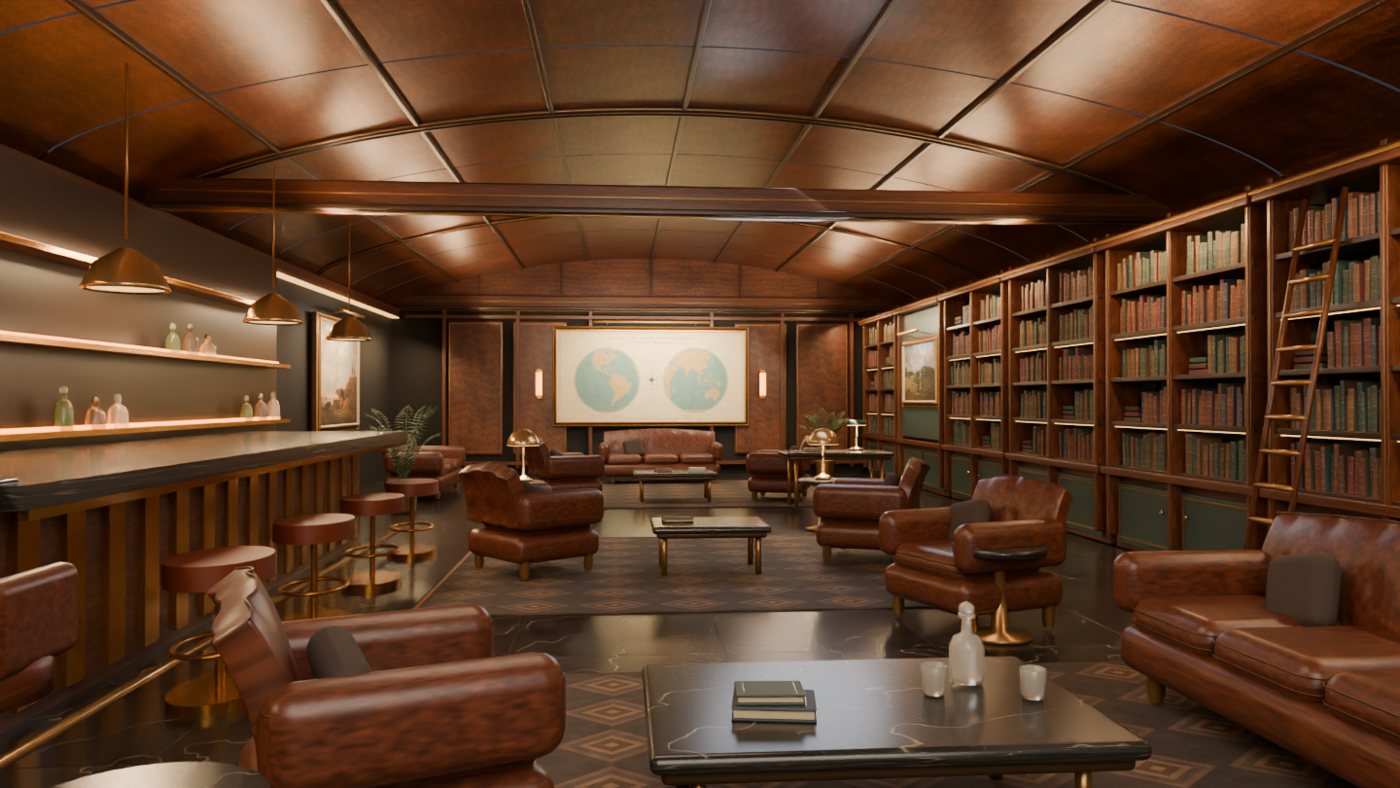 3D Tour
Explore the private club, from its walnut library and art gallery to the members’ bar.
Enter the Cigar LoungeAll 16 video guides, from your first connection to creating 3D spaces, personalizing your avatar and working with AI. Choose a video to begin.
Interface previews illustrate the intended experience. Features shown may be in development.
TRY IT YOURSELF
Move and open sample cards, create a Verse, connect your ideas and switch between Graph and Files. No account needed. Your changes reset when you leave or reload.
Try My Universe
See how to sign in and enter your Universe. Follow the email verification steps, explore the other connection options and reach your own space in STORMVERSES.
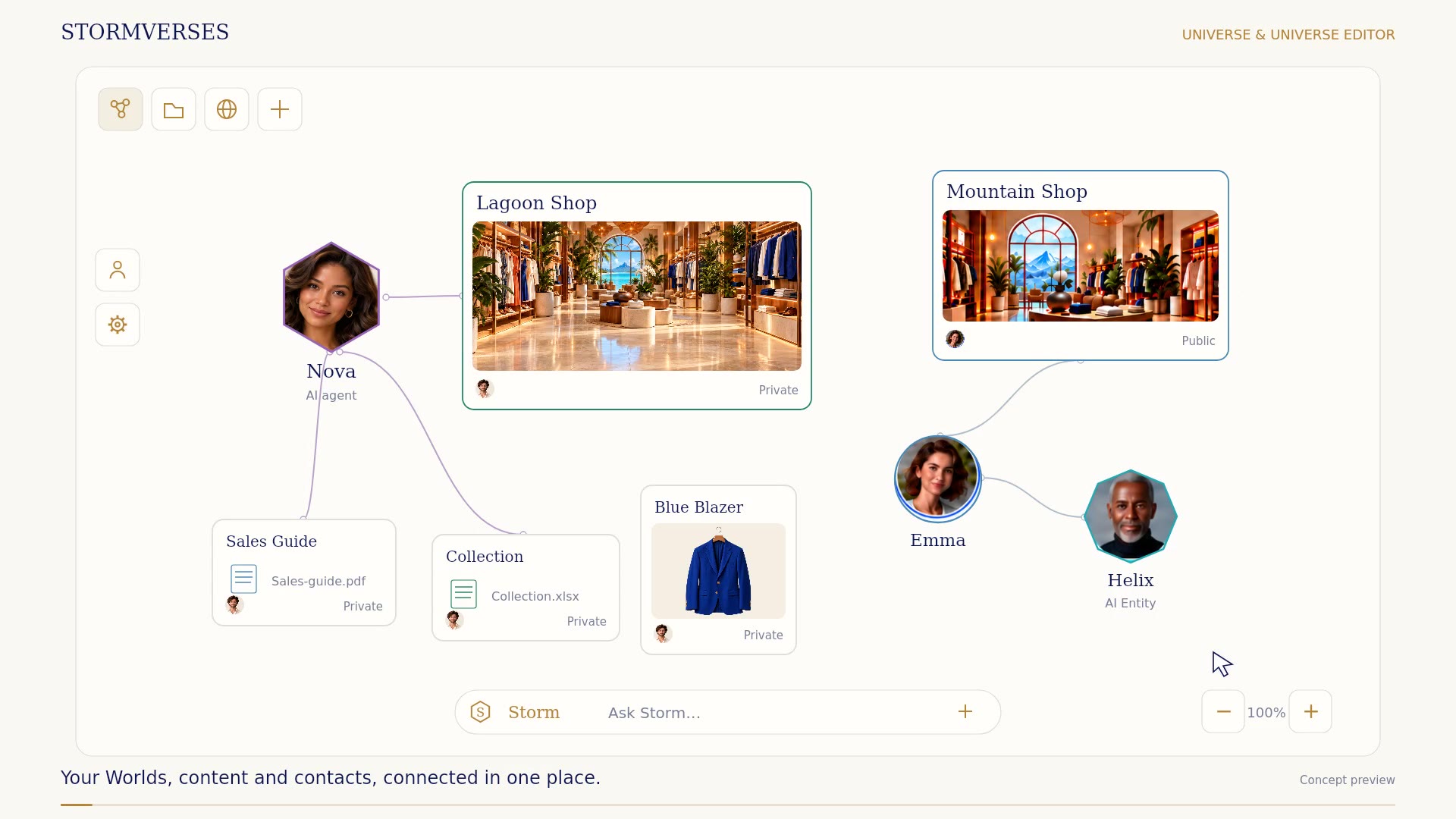
Bring your 3D spaces, content and contacts together. Move and connect cards, zoom out to see their relationships, switch to Files, and place your shortcuts where you want them.
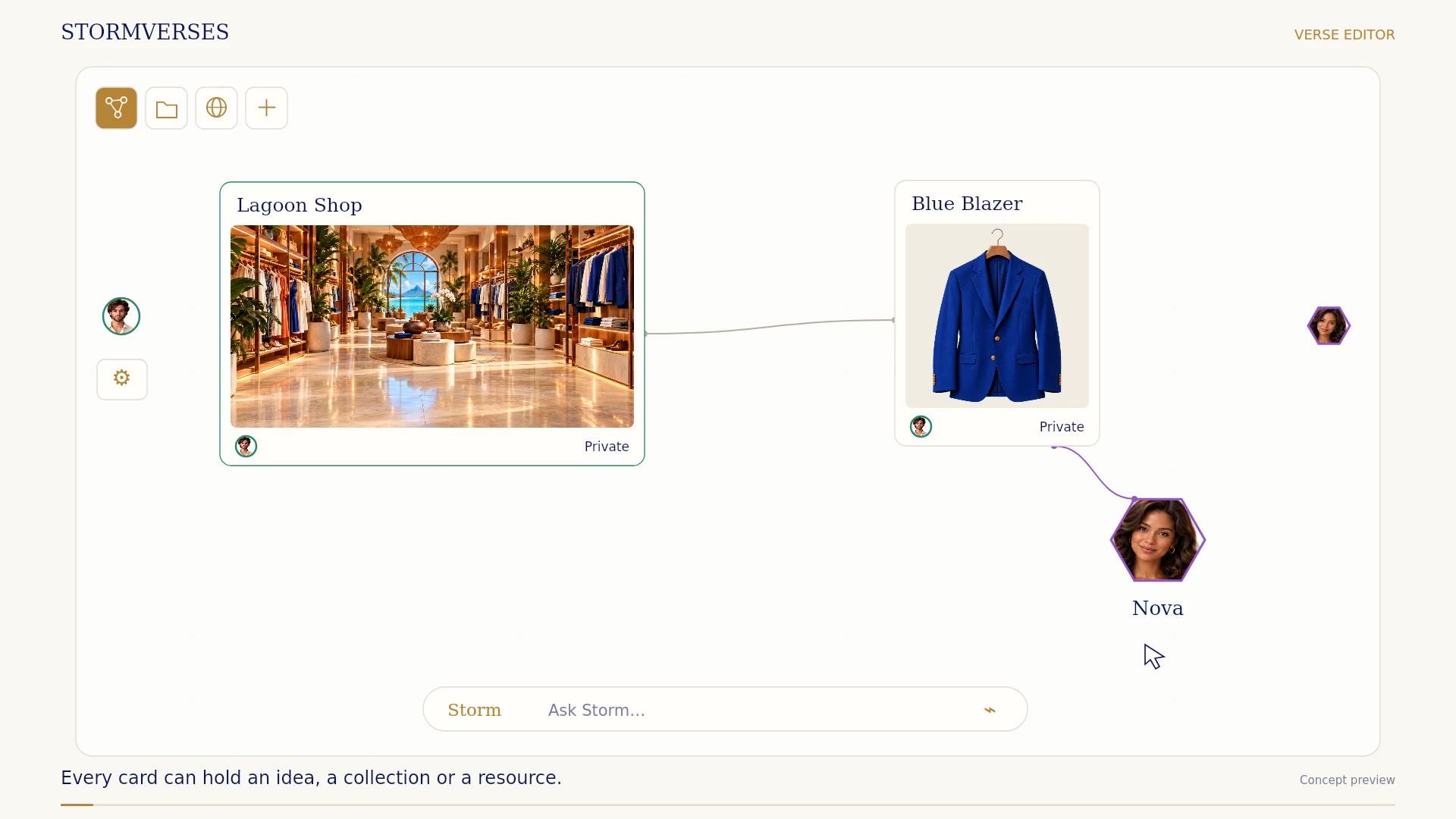
Select the shop’s card in Graph to open its content. Add files and notes, link resources and choose who can edit them. The recording calls this the Verse Editor.
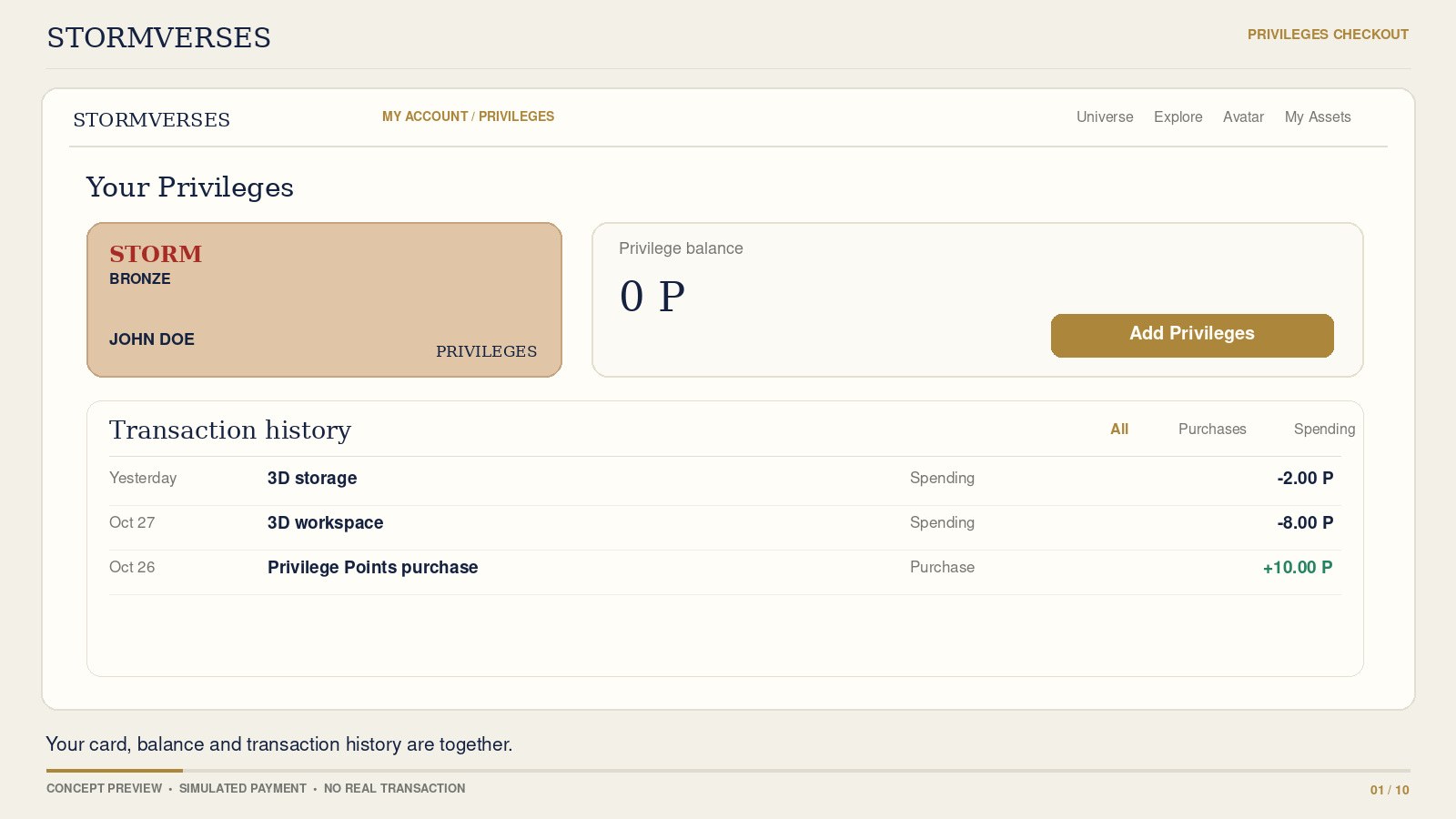
Discover how to add Privilege Points, view your balance and follow your purchases and spending in one transaction history.
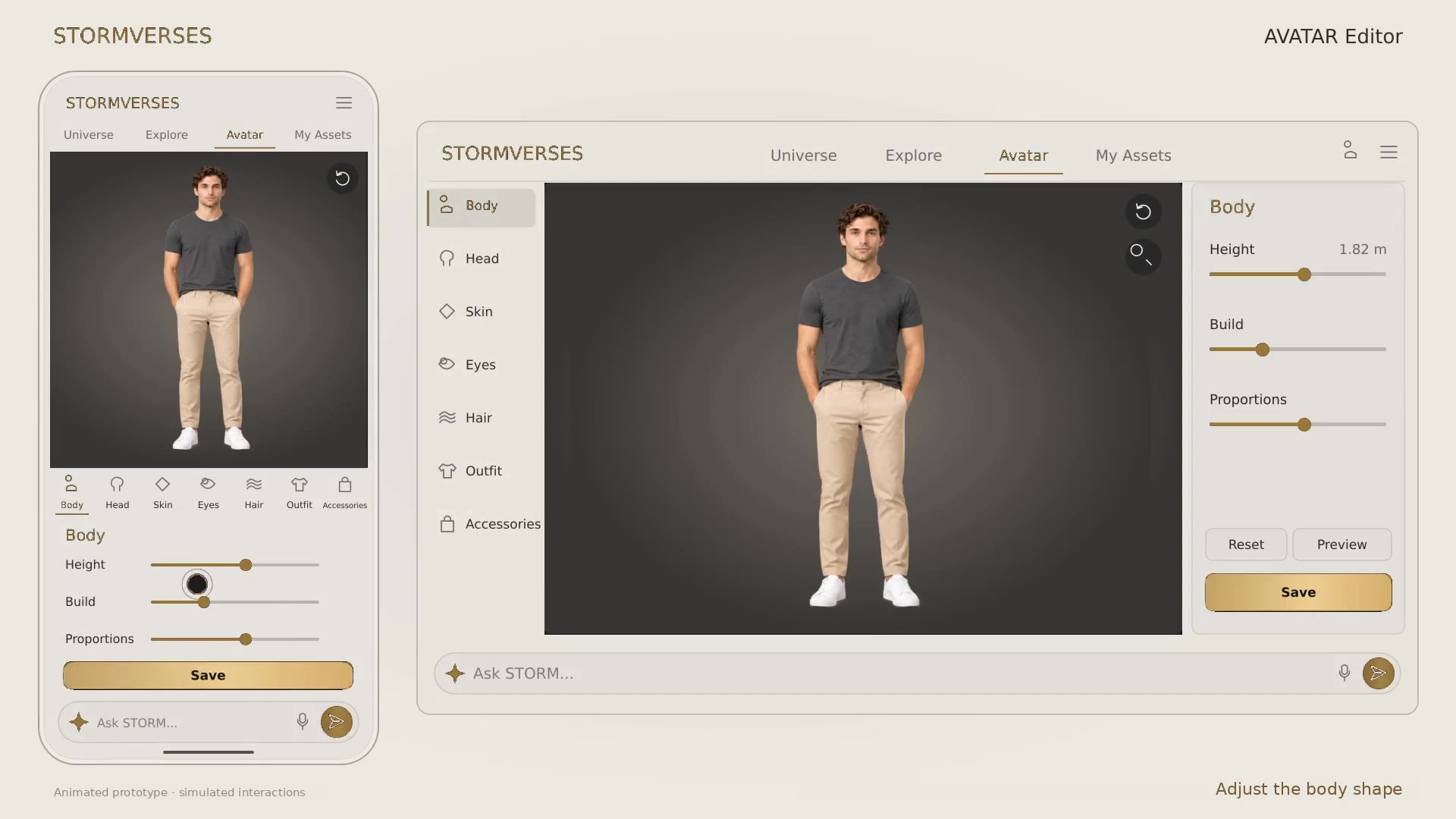
Create a character that represents you. Adjust your avatar’s appearance, choose an outfit from your assets and save your look for your journey through STORMVERSES.
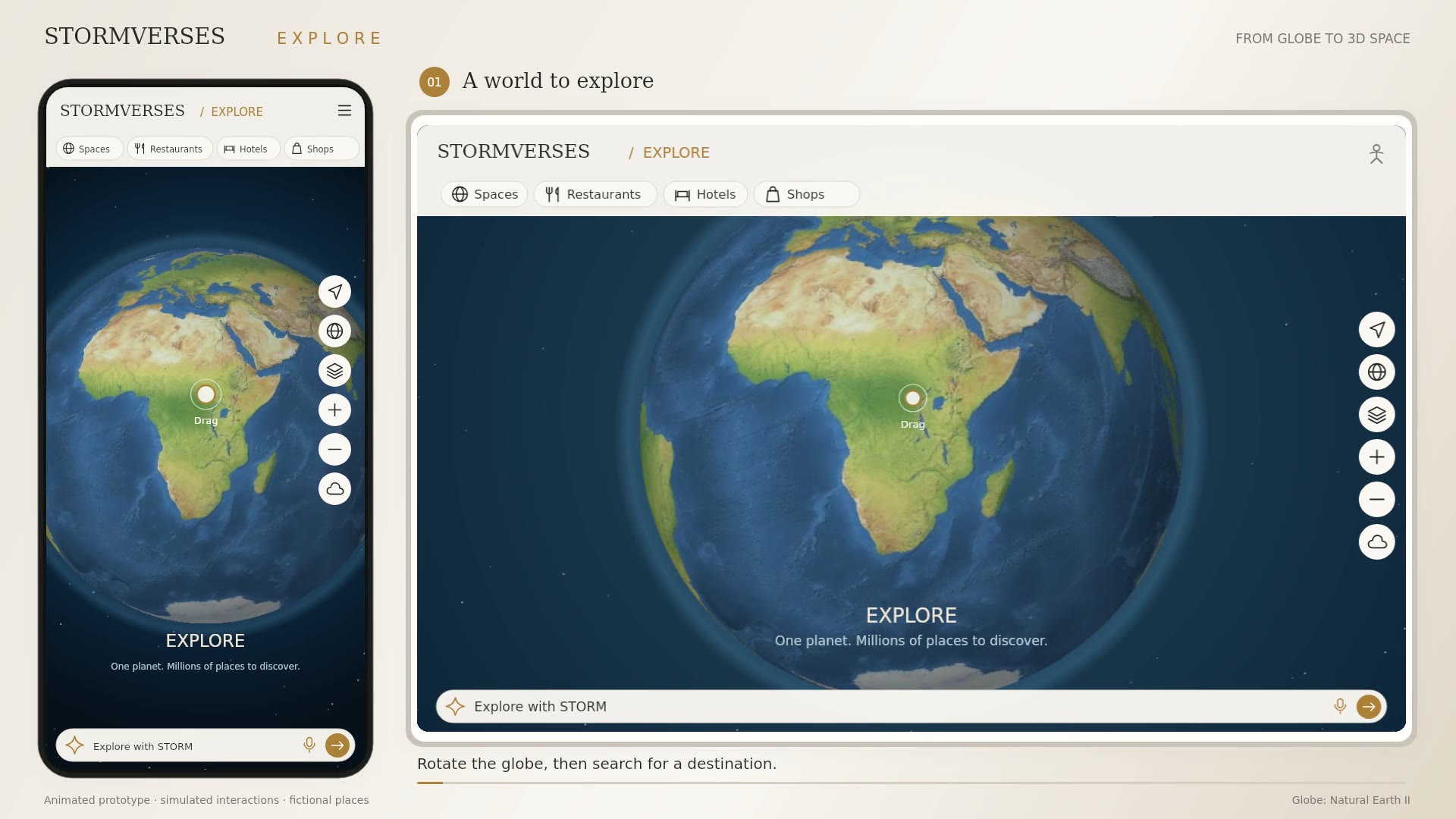
Start with the globe and move closer to the places that interest you. Search locations and categories, adjust map views and data layers, then enter a 3D space with your avatar.
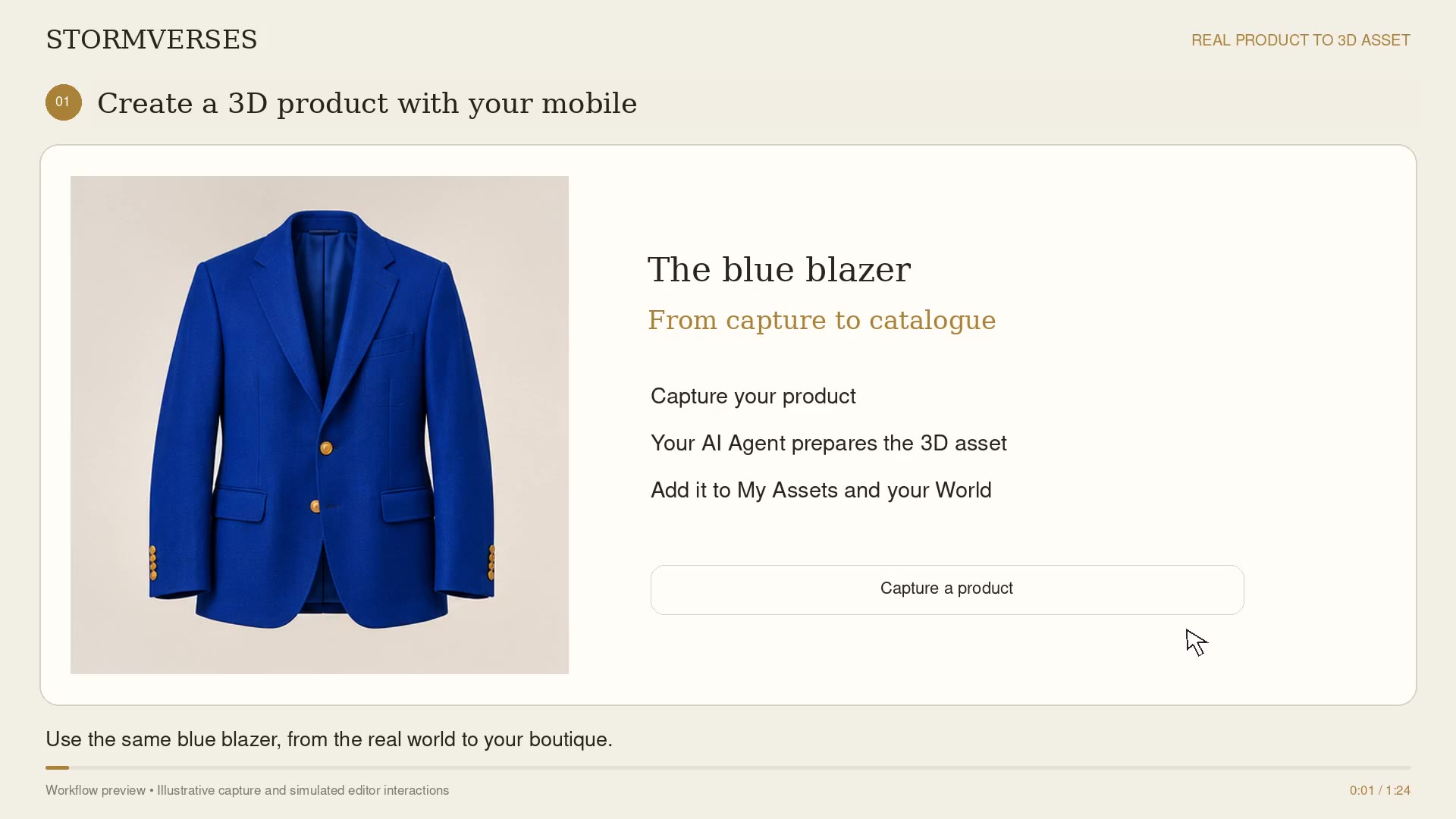
Photograph the blue blazer with your mobile from several angles, then follow its path into the boutique’s 3D collection.
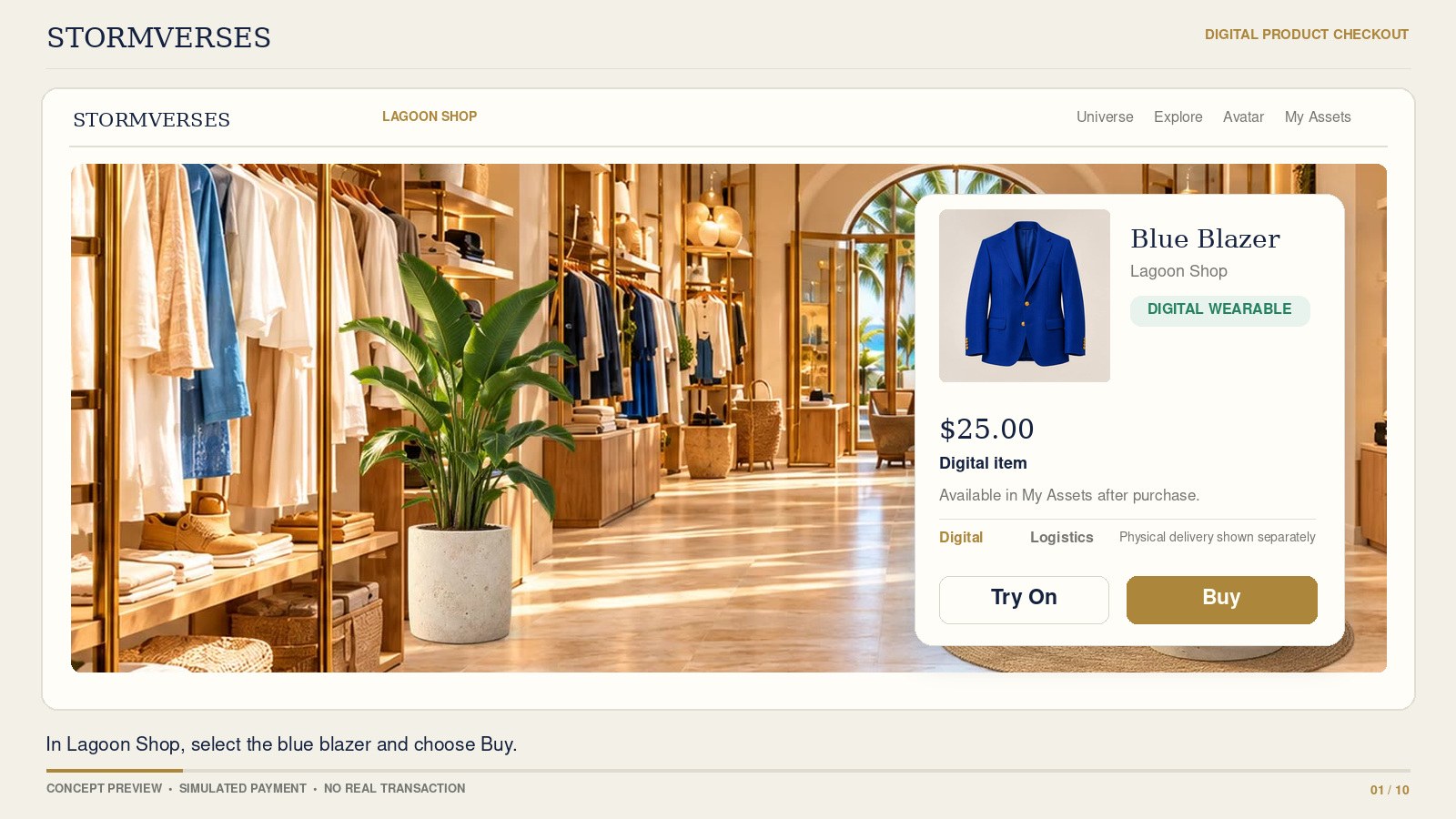
Follow a digital purchase at Stormverse House, then find the blue blazer in Library and try it on your avatar.
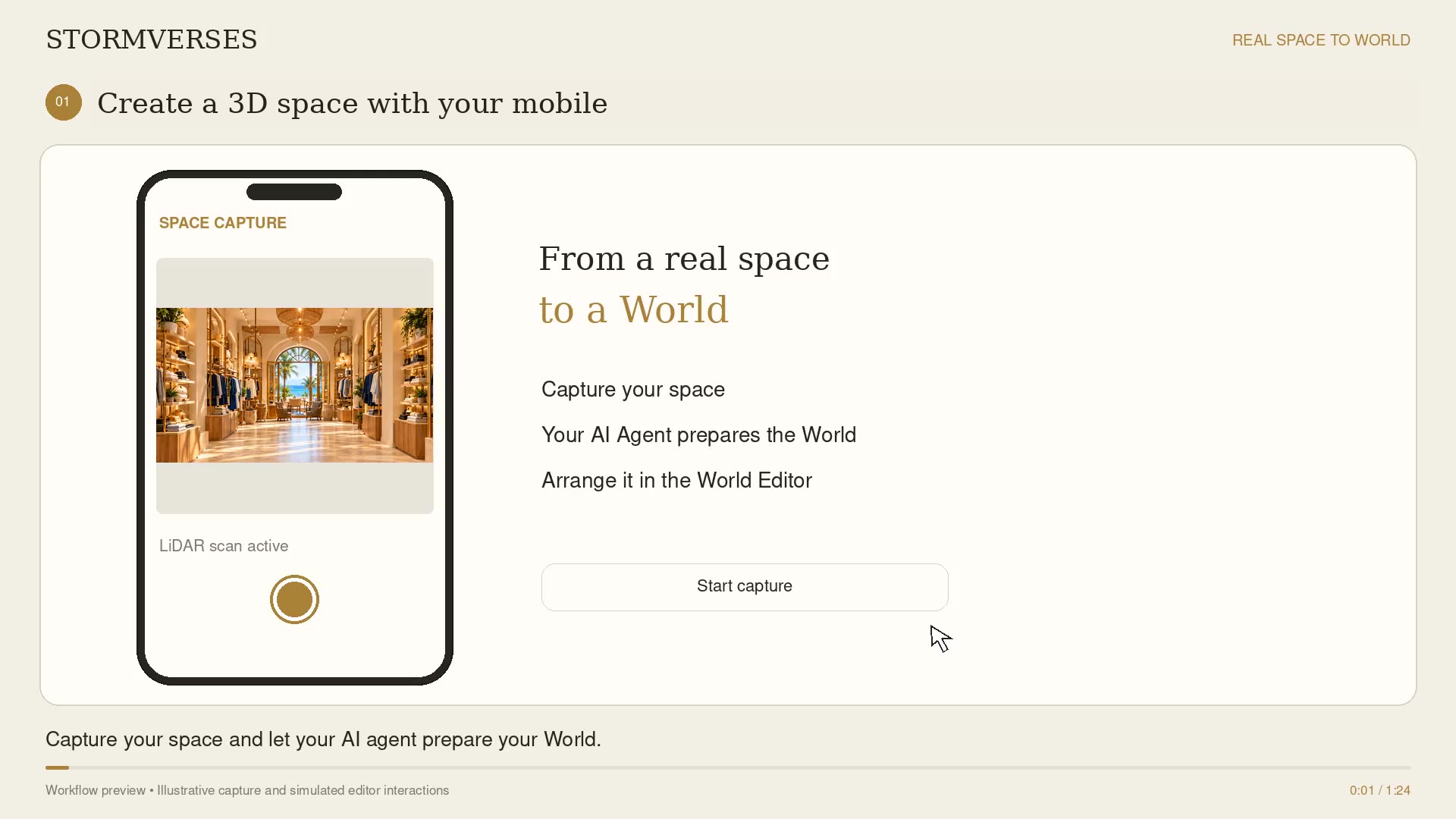
Photograph the shop with your mobile, then see how to arrange furniture and add the blue blazer to the 3D space.
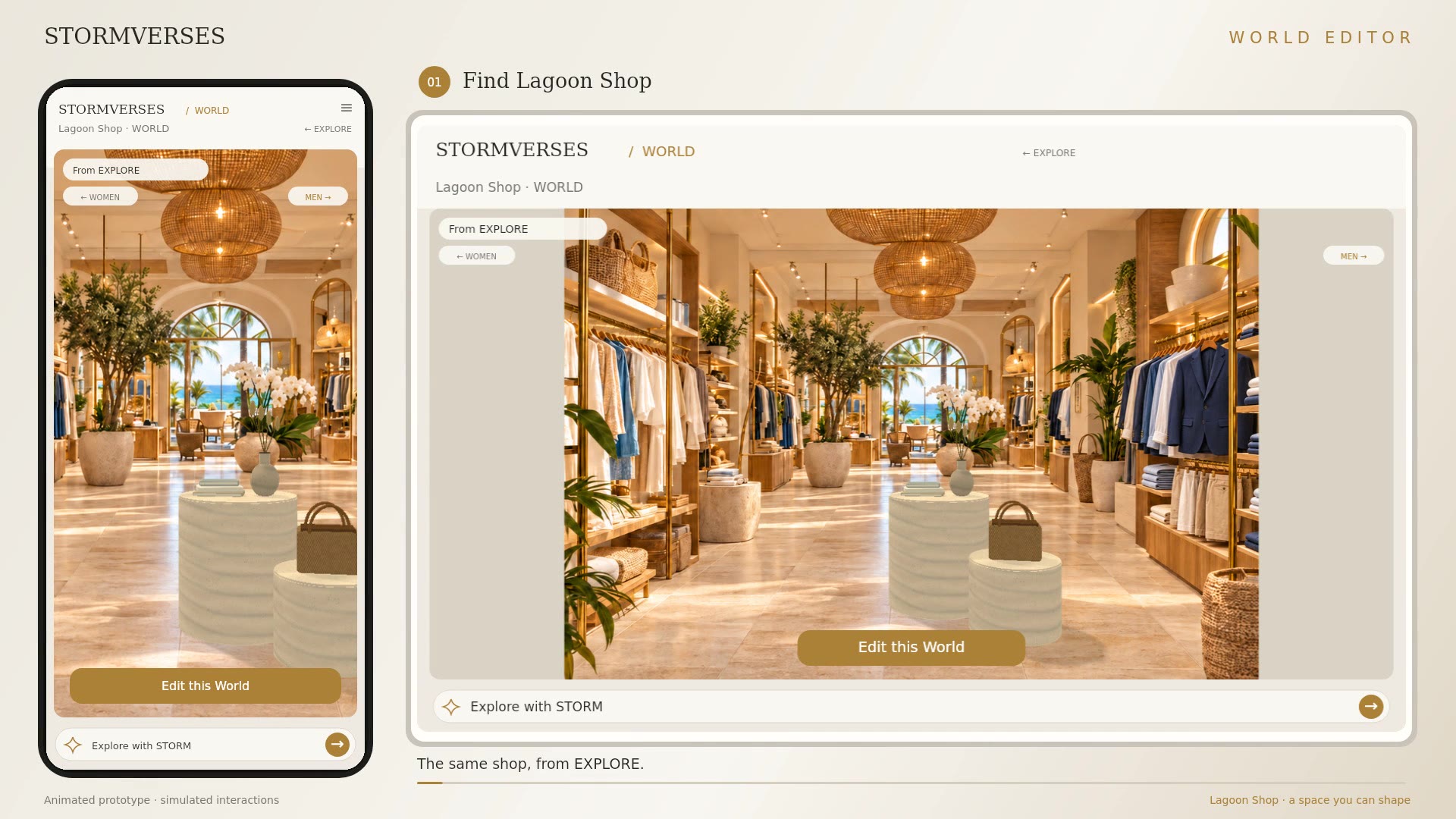
Rearrange furniture, adjust materials and add clothing collections to the boutique. Earlier guides use “World” for a 3D space.
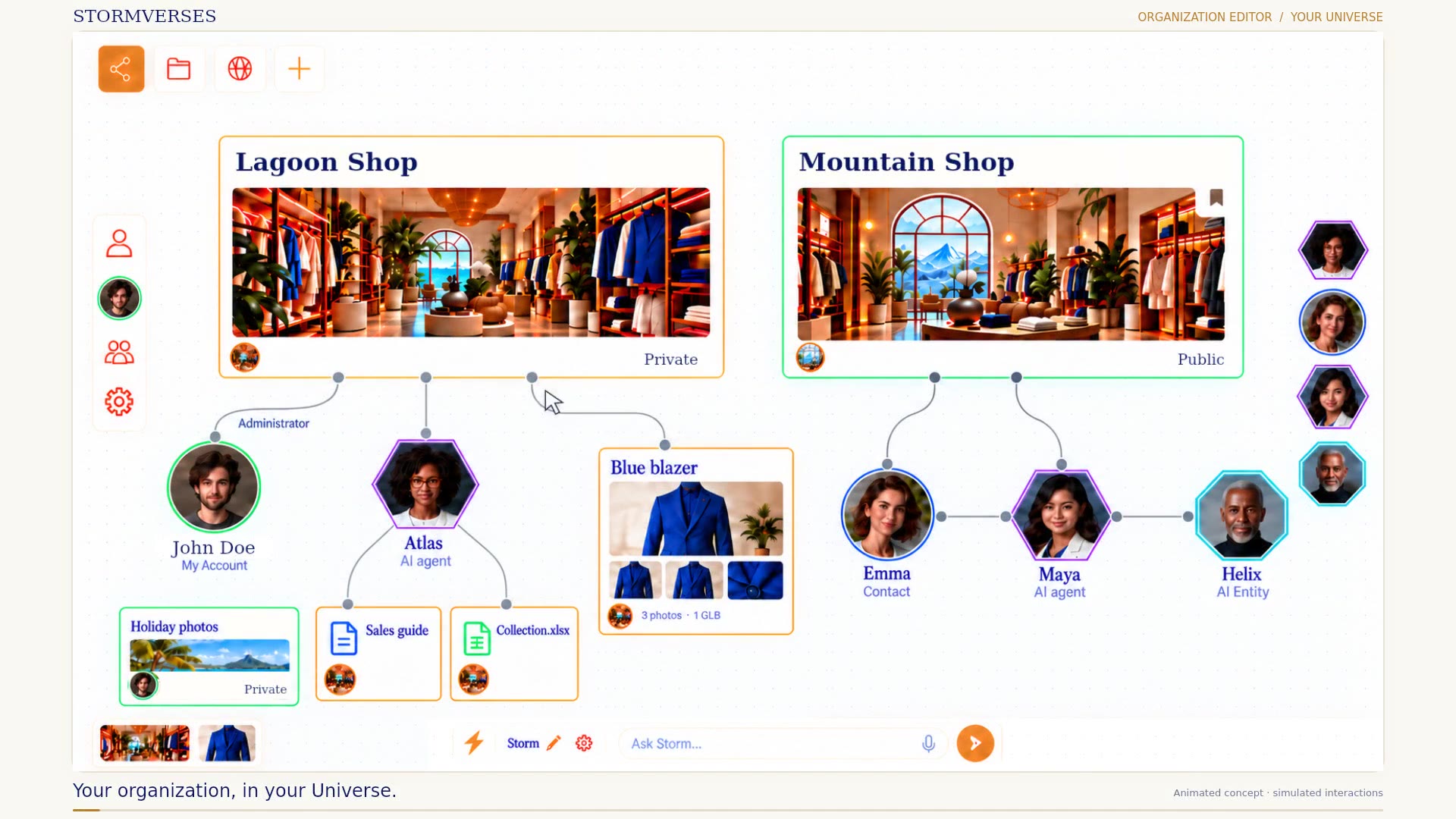
Bring your organization’s 3D spaces, products and team together. Manage company details, permissions and resource budgets, then add the tools you need for campaigns, integrations and logistics.
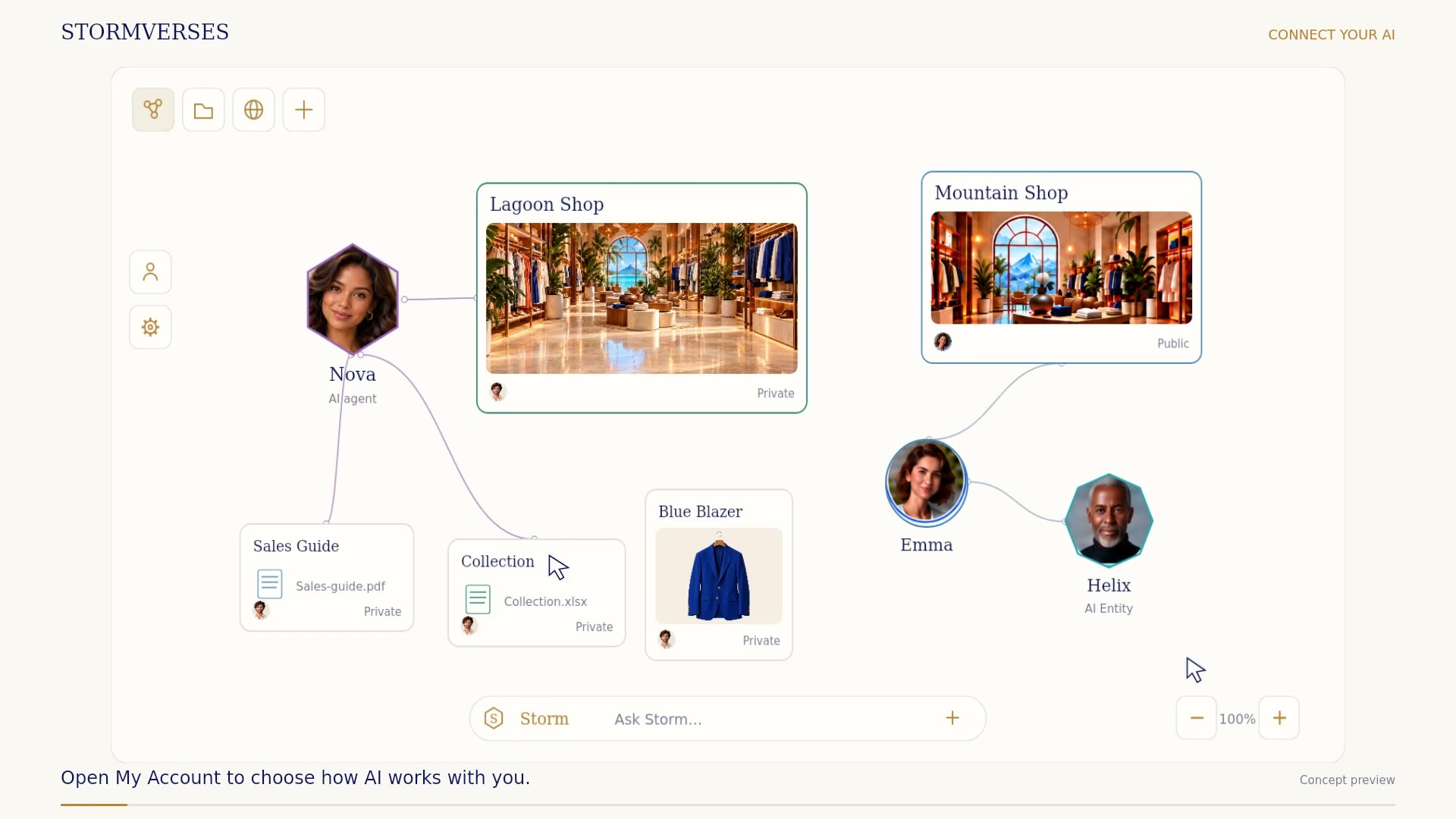
See how to manage an AI connection from My Account. Choose the assistants it can work with, review the content it can access and keep its permissions under your control.
Integration concept. Provider availability and subscription use remain to be confirmed.
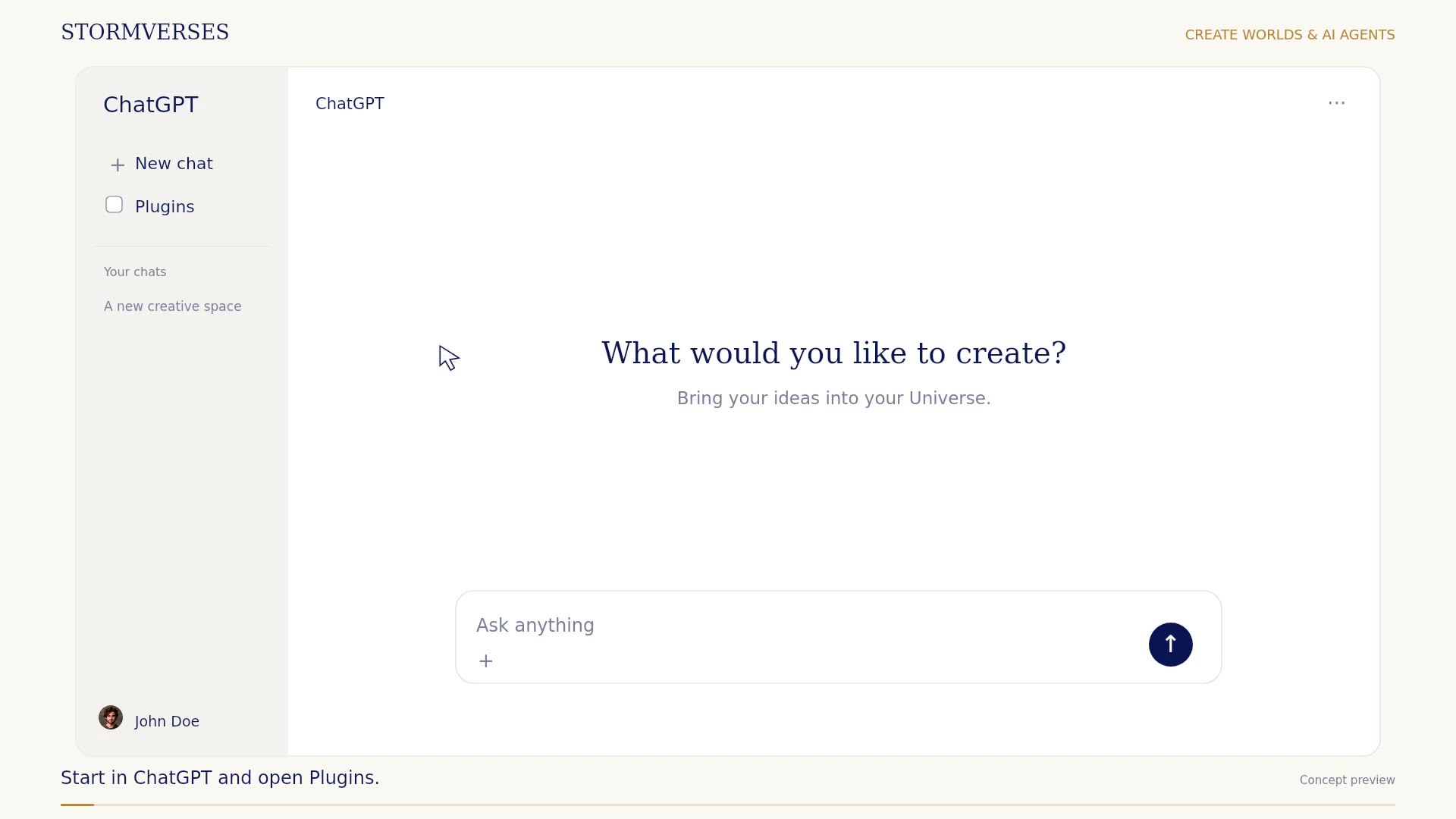
Follow a conversation in ChatGPT that turns a 3D file into a 3D boutique and adds an AI sales assistant. Meet Nova, see her present a blazer, and follow the customer through a virtual try-on.
Integration concept. Provider availability and subscription use remain to be confirmed.
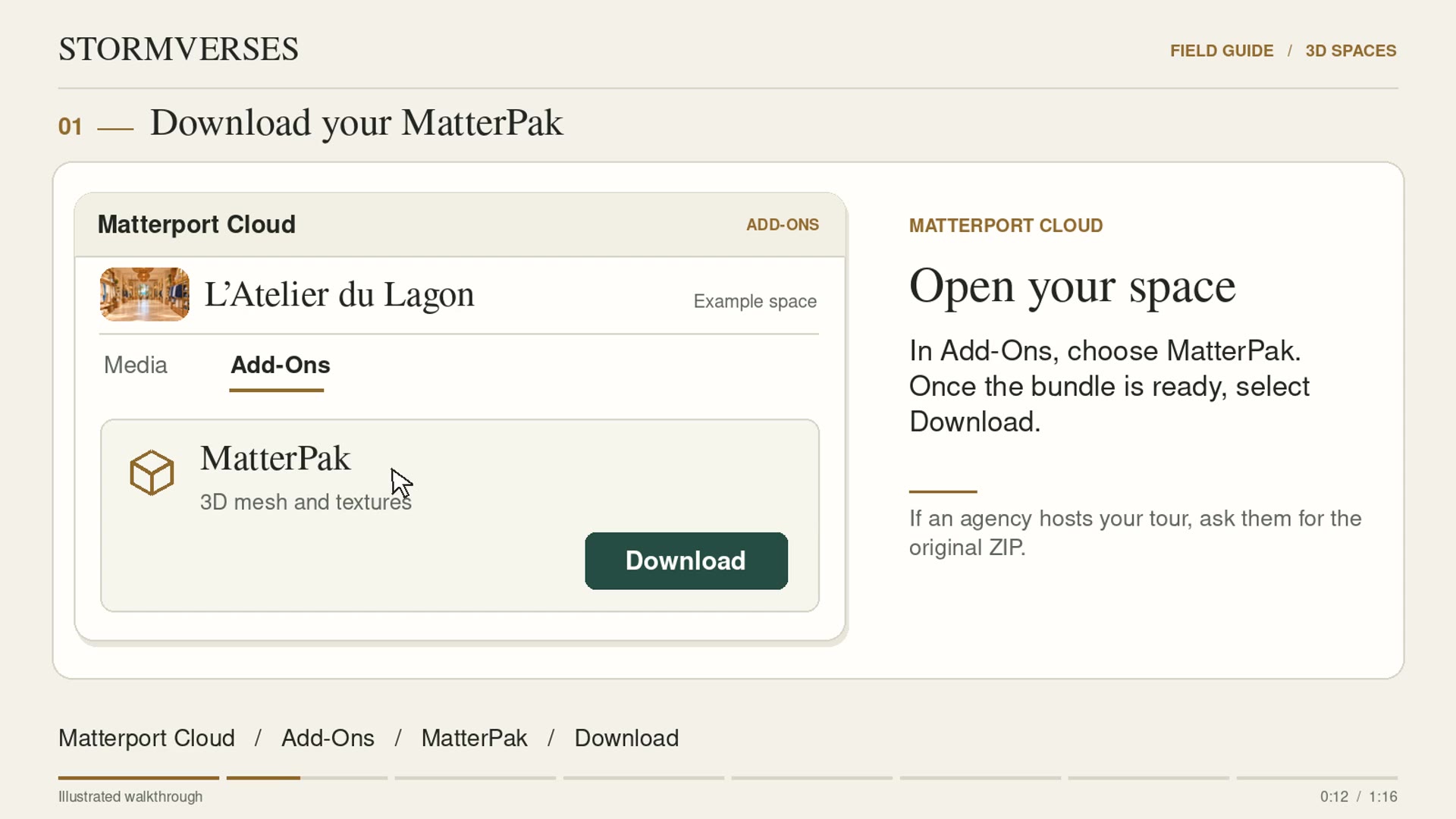
Start with an existing Matterport tour. Download the MatterPak ZIP, add it to the shop and see where to upload a GLB if you already have one. In the video, “VERSE” is the shop’s record.
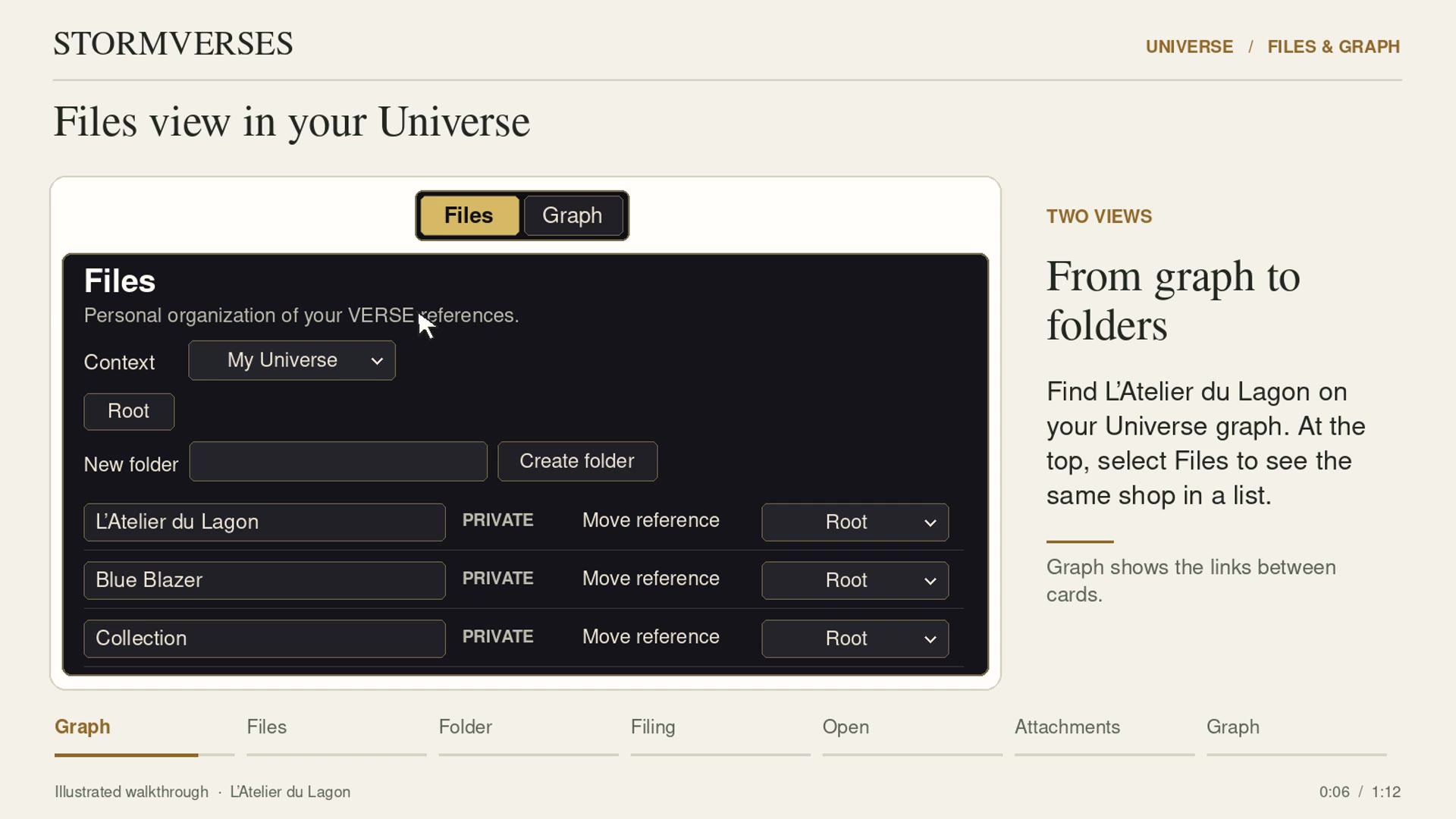
Switch from Graph to Files, create a folder and move the shop’s card into it. Open the same content from Files or Graph and find its attachments.
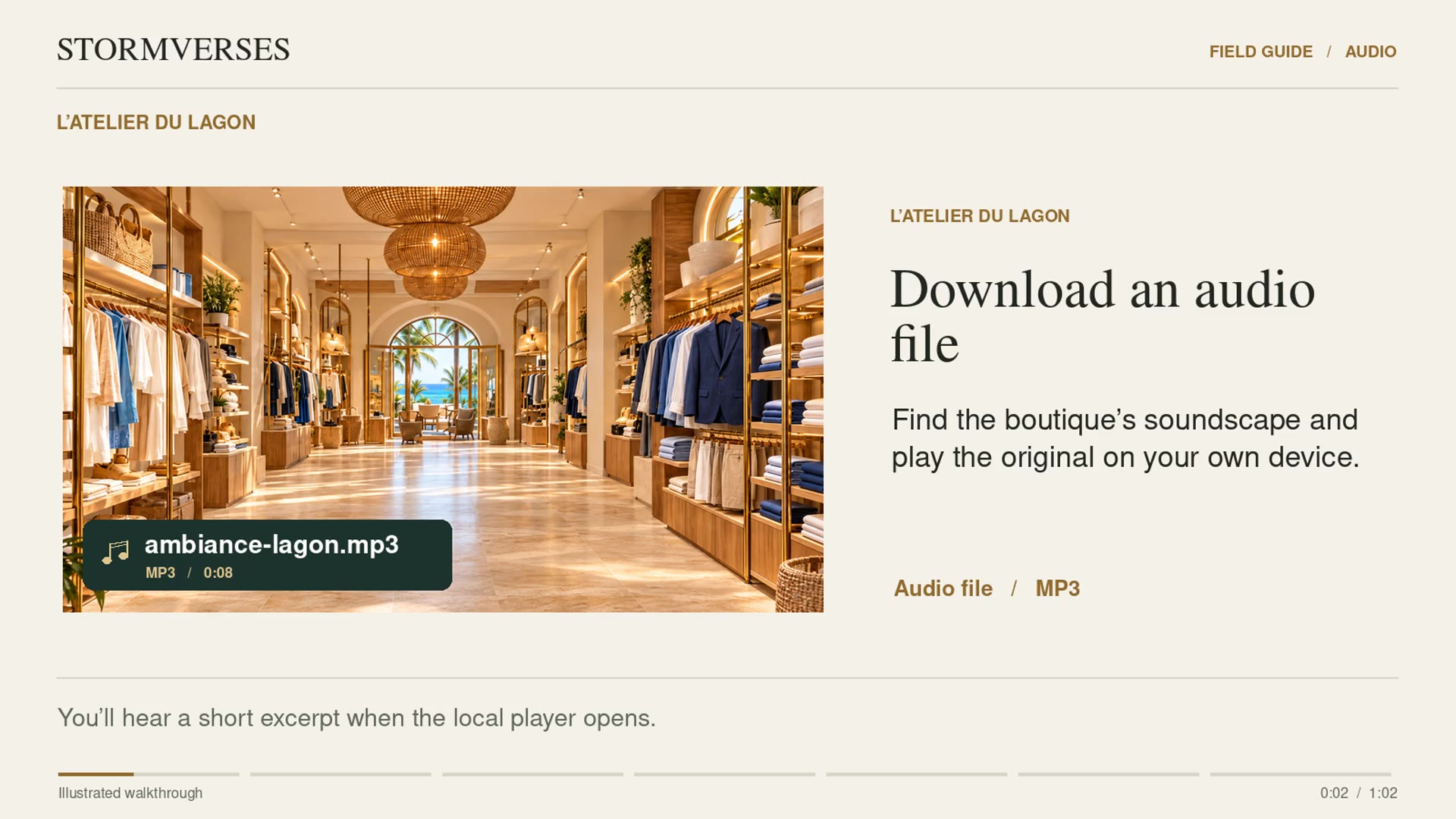
Find the lagoon recording among the shop’s attachments, download it and listen on your device. Then add your own audio file to the shop.
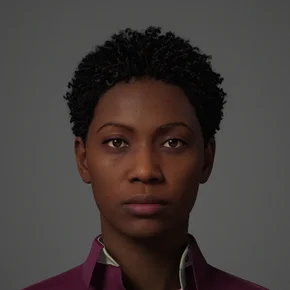
MEET THE ASSISTANT
“Hi, I’m Stormy, your AI assistant. What would you like to know about STORMVERSES?”